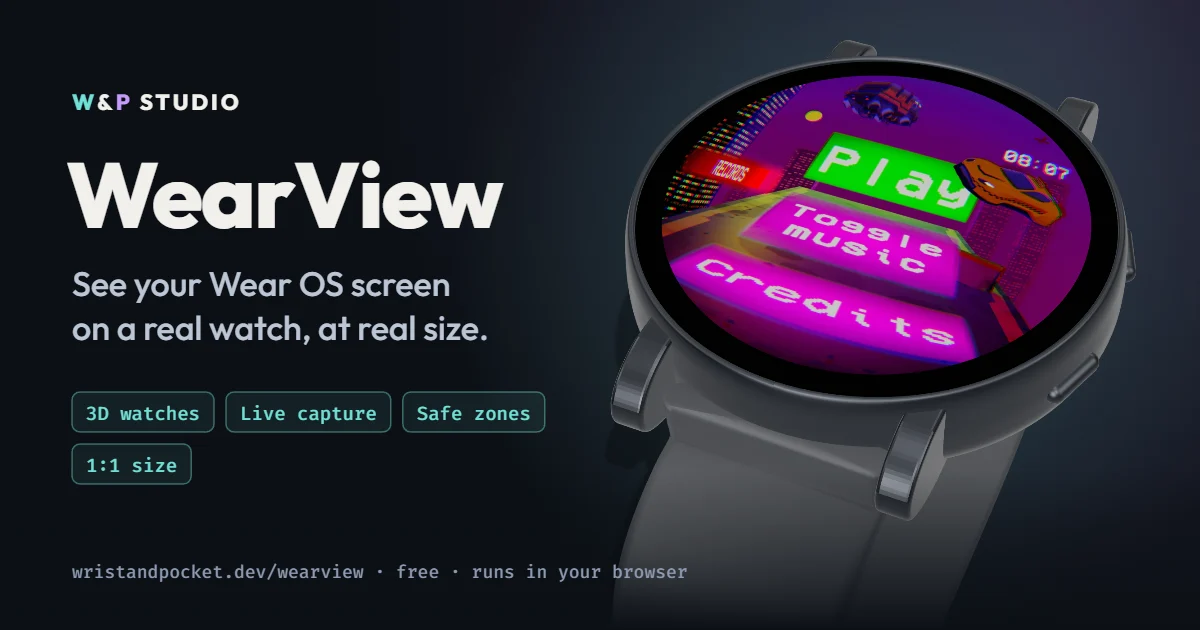
When you make a game for a watch, you almost never look at it on a watch. You look at it in Unity, on a big monitor, where the round screen is stretched across half the window. And there everything looks great: the text is readable, the buttons are huge, the edges are far away.
Then you build to the watch and think: who made this? The text is tiny. The bezel ate the button near the edge. What looked tidy on the monitor turns into mush on the wrist.
That happened to me more than once while working on our games. Building to the watch for every small change is slow and boring. So I made myself a small thing that shows the screen on a model of a real watch. I called it WearView. It helps me, so I’m sharing it for free — maybe it will help you too.
What’s wrong with that screenshot
It’s square, flat, and it has no idea which watch it will be shown on.
On a monitor you can’t see that the Galaxy Watch7 44 mm display is about 37 mm across, while the first Pixel Watch is around 30. You can’t see that some watches have glass almost to the edge and others have a thick black ring. And you can’t see that your beautiful 1024×1024 frame becomes 480×480 on the watch, where thin lines simply disappear.
How it works
You open a page in your browser, and that’s it. Nothing to install, no sign-up, and your screenshots don’t go anywhere.
Pick a watch (there are 11 right now: Pixel Watch, Galaxy Watch, OnePlus, TicWatch), drop in an image with Ctrl+V or drag and drop, and it lands on the screen of a 3D model. You can spin the watch, put it on a wrist, look at it in “sunlight” or at “night”.
Live mode is my favourite part
Screenshots are fine, but the really handy thing is different: you can simply stream your game onto the watch.
Click “Capture window (live)”, pick a window — the Unity Game view or the emulator in Android Studio — and that’s it. The watch in your browser shows your game live, frame by frame. You play in the editor and right next to it you see how it looks on a real case, with the bezel, at real size.
Change a font size, move a button, recolour the background — and you instantly see the result on the wrist. No build, no cable, no waiting. For me it changed the process itself: I no longer guess, I look.
What I actually use
Real size. Hold a bank card against the screen, match the frame to it, and from then on the watch on your monitor is the same size as in real life. Lean back to arm’s length and honestly ask yourself: can I read this? If you can’t, neither can the player.
Safe zones. Rings around the edge of the screen. Everything important — score, buttons, text — should stay inside. There’s little room at the very edge of a round screen, and when you look at an angle the bezel cuts in even more.
Native pixels. Shows the frame at the watch’s real resolution. You immediately see what’s left of small text or pixel art.
Two watches side by side. I put a small Pixel Watch next to a big Galaxy Watch. What feels roomy on the big one often gets cramped on the small one — and you see it in a second.
Honest about the limits
It’s not an emulator. It doesn’t run your APK, doesn’t measure FPS and doesn’t replace testing on a real watch. It just catches the obvious problems earlier — before I spend time on a build. I still check on hardware, just without surprises like “oh, the text doesn’t fit”.
Try it
WearView is free and open source.
- Open it: wristandpocket.dev/wearview
- More details and FAQ: WearView page
- Code: GitHub
If your watch is missing, let me know on GitHub or Discord. I only add models with confirmed dimensions, so a link to the official specs helps a lot.
This is just the beginning
WearView grew out of my own needs, and my “wouldn’t it be cool if…” list is already long. Some things from it are already in the works, and they’ll make checking watch games even easier. Not showing my cards yet — stay tuned