Free developer tool
WearView — Wear OS screen preview on a 3D watch
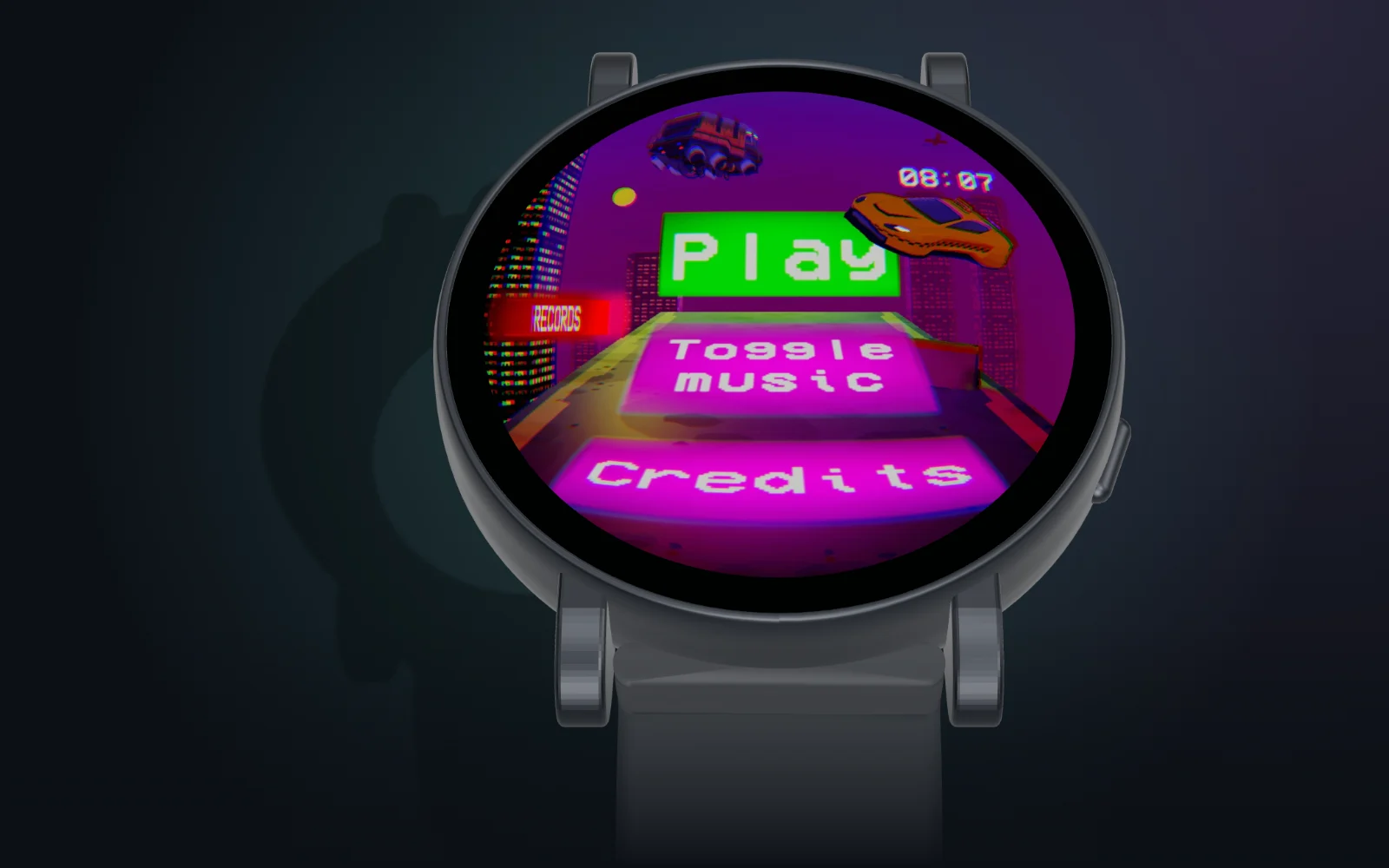
Paste a screenshot or mirror the Unity Game view live onto accurate 3D Wear OS watches: real physical size, safe zones, native pixels and side-by-side compare. Runs entirely in your browser.
No sign-up, no upload: screenshots stay in your browser.
WearView is a small tool we built for our own Wear OS games. A flat 454×454 screenshot on a large monitor lies to you: text looks readable, edges look safe, and colours look calm. On a 41 mm watch on a moving wrist, the same frame can feel very different.
So WearView puts your screen onto a 3D model of a real watch, at the right physical size, and lets you look at it the way a player will.
What you can do
- Paste, drop or live-capture. Press Ctrl+V with any screenshot, drop a file onto the 3D view, or mirror the Unity Game view or the emulator window live.
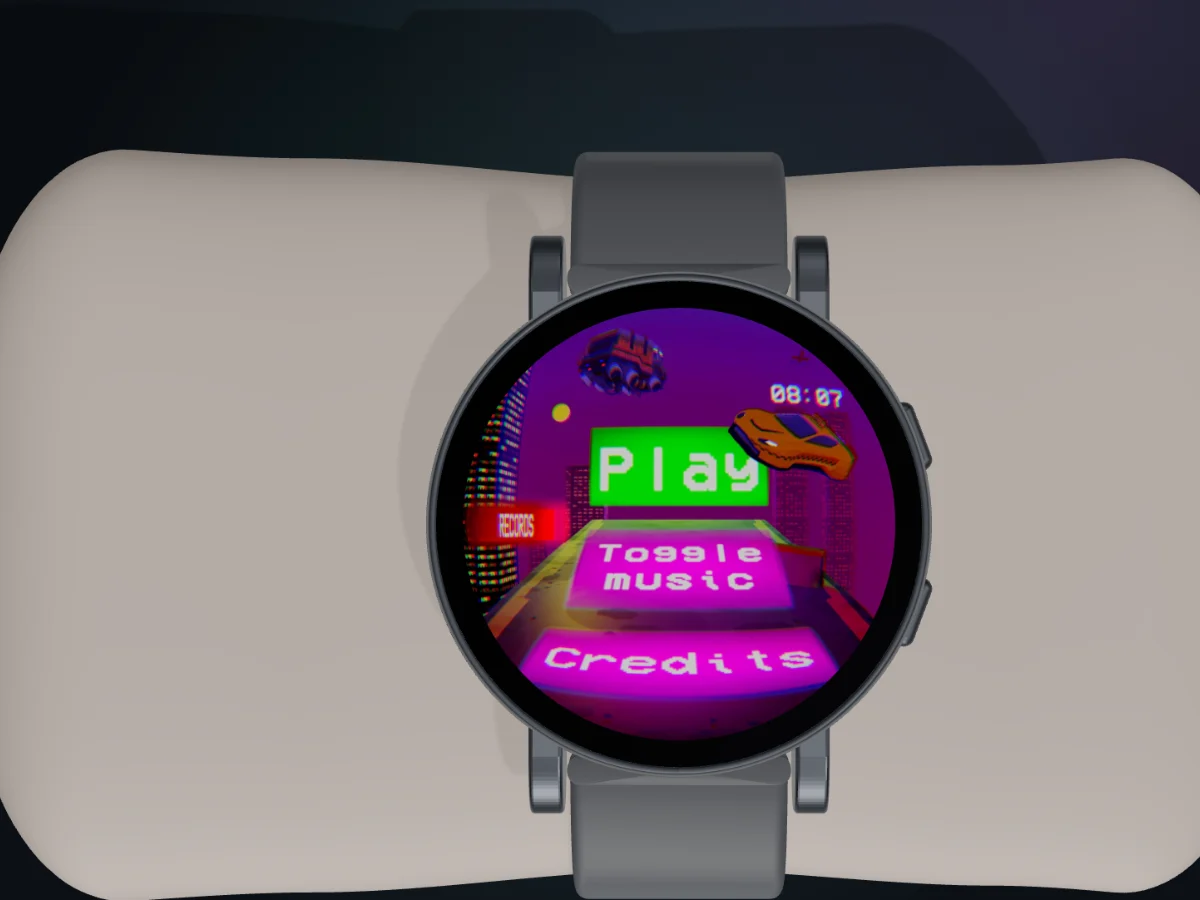
- Real size (1:1). Calibrate once with a bank card and see the watch at its physical size on your screen.
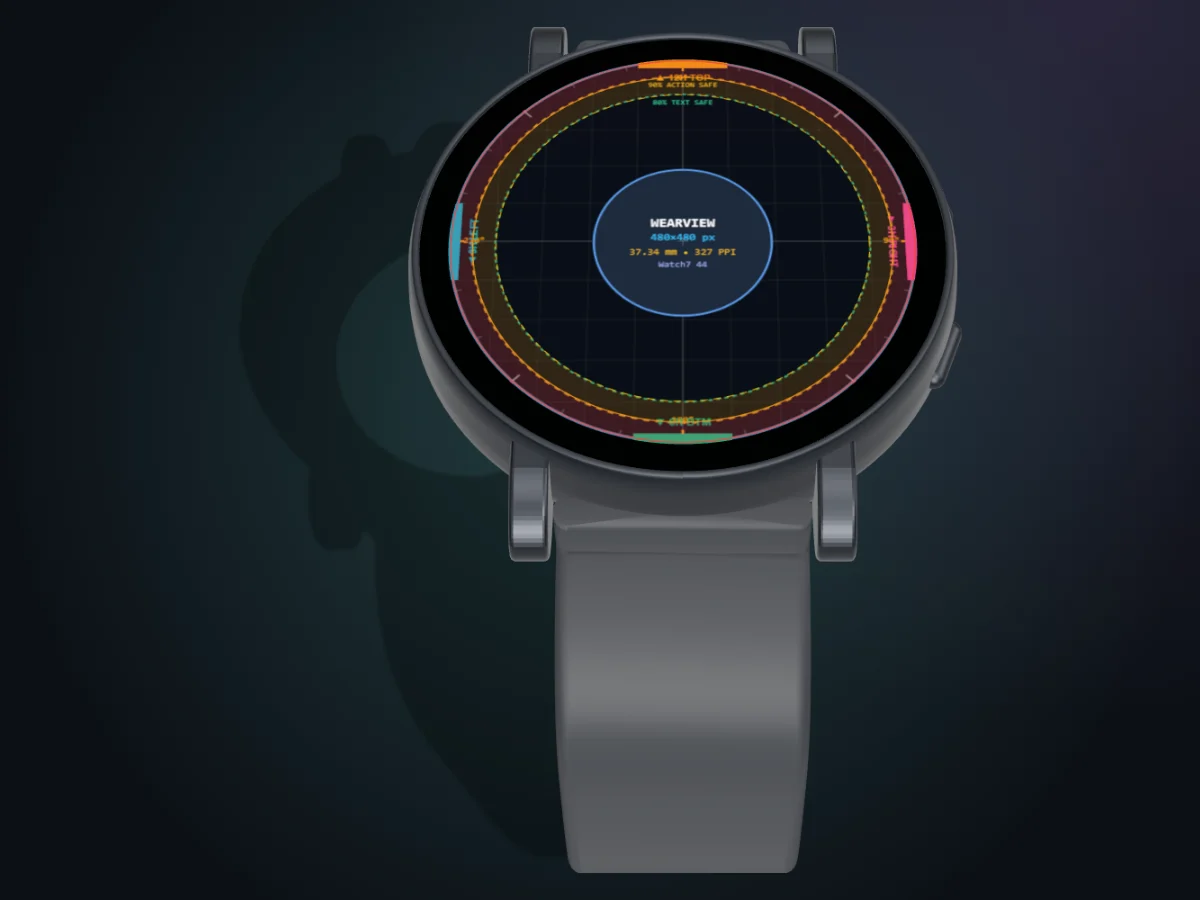
- Safe zones. Overlay 80%, 90% and 100% rings to check that text and buttons survive the round crop.
- Native pixels. Show the frame at the watch’s real panel resolution with crisp pixels, so you see the sampling the device will do.
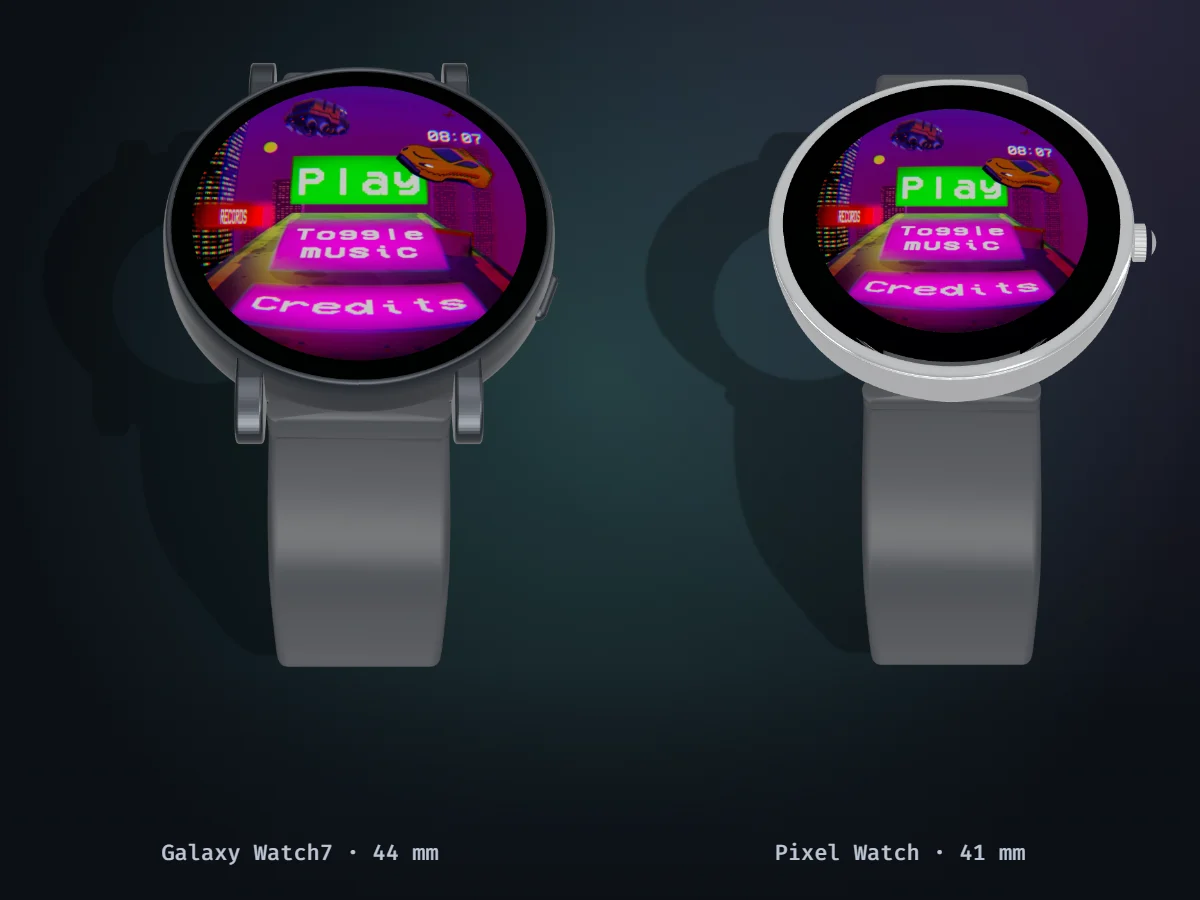
- Compare. Put two watches side by side with synced cameras, for example a 41 mm Pixel Watch next to a 47 mm Galaxy Watch.
- Lighting presets. Studio, sunlight and night, to check contrast and glare.
Who it is for
Wear OS game and app developers, UI designers and QA testers who want a quick, honest look at a screen before building to a device. It does not replace testing on hardware; it catches the obvious problems earlier.
Privacy
Everything runs locally. There is no account, no upload, no analytics and no backend.
What it looks like
Frequently Asked Questions
How do I preview a Wear OS screen without a physical watch?
Open WearView, pick a watch model and paste a screenshot with Ctrl+V (or drop a PNG, JPEG or WebP). The image is mapped onto the round display of an accurate 3D model, so you can check readability, bezels and cropping before you build to a device.
Can I see my Unity Game view on a watch in real time?
Yes. Click “Capture window (live)” and share the Unity Game view or the Wear OS emulator window. WearView mirrors it onto the watch display frame by frame. Cropping keeps working while live.
Which watches are included?
11 models: Google Pixel Watch 1/2 (41 mm) and Pixel Watch 3 (41 and 45 mm), Samsung Galaxy Watch5 (40 mm), Watch6 Classic (43 and 47 mm), Watch7 (40 and 44 mm) and Watch Ultra (47 mm), OnePlus Watch 2 and Mobvoi TicWatch Pro 5. Dimensions come from manufacturer specifications; any estimated value is marked in the project's device research notes.
Is the watch shown at its real size?
The 1:1 Real size mode shows the watch at its physical size on your monitor after a one-time calibration with a standard bank card.
Are my screenshots uploaded anywhere?
No. WearView is a static web page with no backend and no analytics. Images and live capture are processed in your browser's memory only.
Is WearView free?
Yes. It is free and open source under the MIT license.